Choosing a tool5 min read
Opal Alternative for iPhone: How to Choose One
On iPhone, Opal and almost every competitor are built on the same Apple frameworks, so blocking capability is close to identical. Choosing an Opal alternative for iPhone comes down to three things that do differ: what happens at the blocked moment, how much sits behind a subscription, and whether the tool can reach one feed rather than a whole app.
On this page (6 sections)
Opal is a good product, and it is unusually good at the thing it does. People still leave it, and the searches they run afterwards are specific: cheaper, less easy to bypass, or something that does not lock them out of an app they need for work.
Before comparing anything, one fact reframes the whole category. Every credible Opal alternative for iPhone, including Opal itself, is built on the same Apple frameworks. That is not a criticism of anyone. It is the only legal way to block an app on iOS.
What every iPhone blocker shares
Apple exposes three frameworks: FamilyControls to pick apps, ManagedSettings to shield them, and DeviceActivity to run schedules and read usage. Apps get anonymous tokens for your selections rather than a readable list, which is also why no iPhone blocker can show you a nicer breakdown than Apple's own.
Three consequences follow, and they apply to every product in the category.
- Blocking is app level. No iPhone app can remove Reels from Instagram or Shorts from YouTube. The sandbox forbids it.
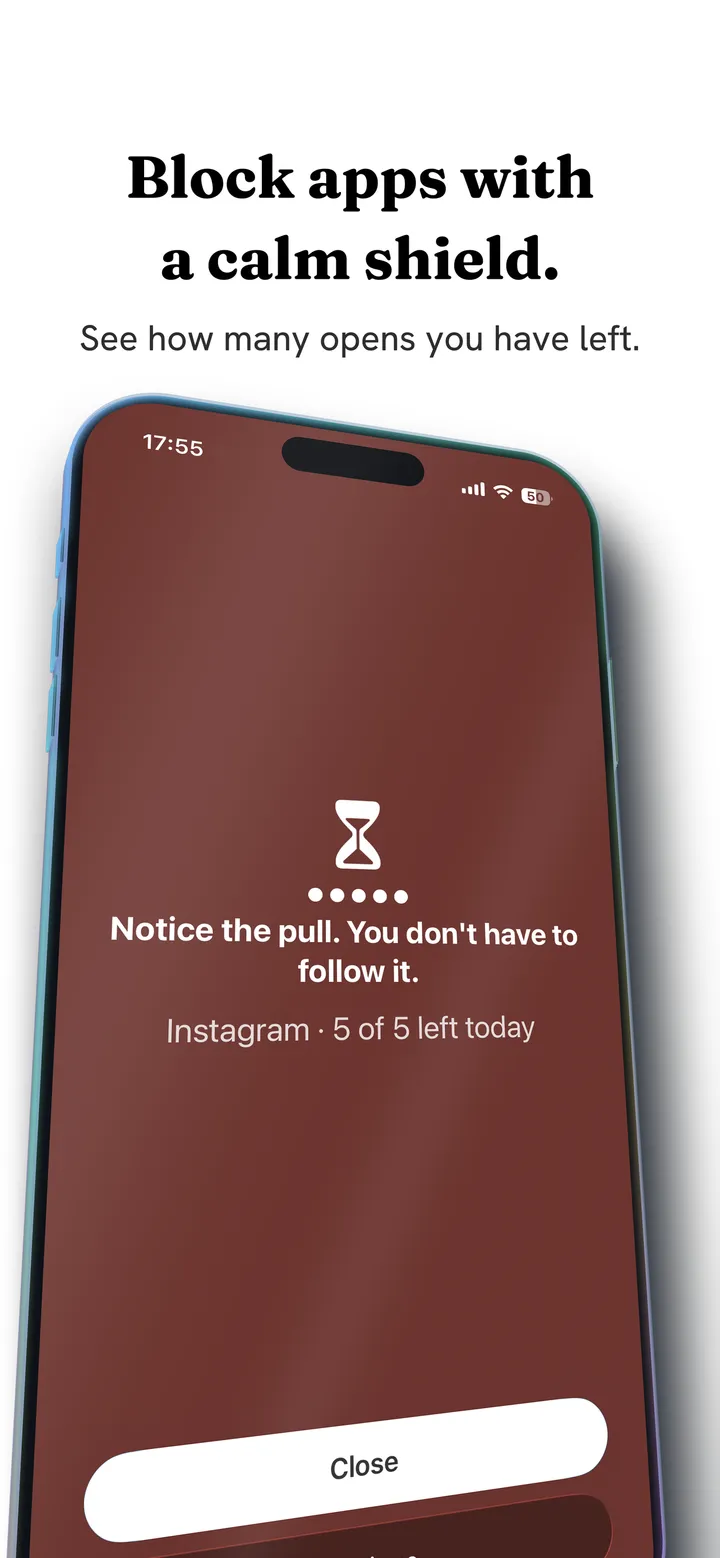
- Shields look different, work the same. The screen that appears when you open a blocked app is the one piece every vendor customises, and it is where most of the perceived difference between these products lives.
- Bypass is a design choice. Apple gives every app the ability to let you through. How hard a tool makes that, and whether you can delete the tool itself, is product design rather than platform capability.
If a product claims blocking powers beyond this on iOS, treat the claim carefully. We would rather lose the comparison than pretend otherwise.
Why people leave Opal specifically
Three reasons recur, and they want different replacements.
Price. Opal's meaningful capability sits in its paid tier. That is a legitimate model, and it is also the single most common complaint across this entire category, aimed at every vendor including ones people otherwise love.
Sessions did not match the problem. Opal is built around starting a focus session. If your problem is a deliberate block of scrolling time, that fits well. If your problem is forty unplanned pickups spread across a day, a session model asks you to predict something you cannot predict.
The wall arrived at the wrong moment. Every block eventually blocks you when you needed the app. That is not an Opal flaw, it is what blocking is, and it is where most uninstalls in this category happen. The long version is in why app blockers don't work.
Where Fluid Friction differs on iPhone
We build one of these, so read this as interested rather than neutral. The mechanical difference is easy to describe and easy to verify.
Every door based tool intervenes once, at the entrance. A timer, a shield, a breathing exercise, a passcode. You cross that door once per session and the feed gets every swipe afterwards for free.
Fluid Friction intervenes in the swipe. Sites you choose open in the app's own browser, and scrolling there means dragging through on screen fluid. Past a threshold you set, a bubble forms under your thumb and has to rise off the screen before the feed advances, so a short video feed moves roughly one item per deliberate drag. A fast flick bursts the bubble, and a burst does not count. You are never locked out, so there is nothing to resent and no single toggle that ends it.
Around that:
- Per surface controls, through the browser. Because the friction browser loads the mobile site rather than the native app, it can hide Reels, Shorts, the TikTok For You feed, Snapchat Spotlight and Explore, while DMs and search keep working. This is the one capability no native app blocker on iOS can offer.
- Standard Screen Time blocking too. App and website blocking behind a calm custom shield, per open limits and schedules, built on the same Apple frameworks as everyone else.
- A focus timer with a Live Activity. The countdown runs in the Dynamic Island rather than in an app you have to keep open.
- On device insights. A Calm Score and a screen time report computed on your device, not on a server.
- NFC. Tap any tag you already own to start or end a session, with no proprietary hardware involved. The alarm can be set to dismiss only by scanning a tag placed away from your bed.
Pricing, plainly: every functional tool listed above is free in Fluid Friction on the App Store. Fluid Friction Pro is an optional auto renewing subscription at USD 4.99 a month or 39.99 a year with a seven day trial, and it unlocks cosmetics and comfort extras only. No core tool sits behind it.
What to check before switching to anything
A short list that applies to every candidate, ours included.
- Does the core work with no account and no server? If blocking depends on a backend, it fails when the backend does.
- What is the privacy posture, and can you verify it? Read the App Store privacy label and then read the policy behind it. Fluid Friction's iOS privacy policy is written so a reviewer can check the label line by line.
- What happens when you want to bypass it? Not whether you can. You always can. The question is what that moment feels like and whether it teaches you anything.
- Is the useful part free or paid? Decide this before the trial ends rather than after.
- How does it fail? Every tool fails. You want the one whose failure mode is you scrolling anyway, not you deleting it in irritation at a bad moment.
Choosing an Opal alternative for iPhone by failure mode
That final row is the honest one. If you want to be locked out, a friction tool is the wrong purchase and we will say so. Buy the strictest blocker you can find and give the passcode away.
| Why your last tool stopped working | What to look for |
|---|---|
| Cost, or the useful part was paid | A tool where the functional set is free and payment buys cosmetics |
| You tapped straight through the shield | A mechanism that is not a dialog you can dismiss |
| You uninstalled it in frustration | Something that never locks you out at all |
| You need the app for work | Something that can reach one feed, not just the whole app |
| You want a genuine wall | A strict mode with a passcode someone else holds |
Common questions
Is there a free alternative to Opal on iPhone?
Yes. Fluid Friction gives away its functional set, including scroll friction, per surface controls in the browser, blocking, schedules and insights, and charges only for cosmetics. Apple's own Screen Time is free and basic, and several competitors offer limited free tiers.
Can any iPhone app block Instagram Reels specifically?
Not inside Instagram's native app, because iOS forbids one app from modifying another. The only route is opening Instagram's mobile site in a browser that can hide the Reels surface, which is what the friction browser does.
What is the difference between Opal and Fluid Friction?
Opal blocks or delays access to apps at the door. Fluid Friction adds physical resistance to the scroll itself, so there is no wall to resent and no single toggle that ends it. It also reaches individual feeds through its browser rather than only whole apps.
Do these apps see my screen time data?
On iOS they cannot. Apple hands apps anonymous tokens rather than readable app identities, so a blocker knows you selected something without knowing what. Fluid Friction computes its insights on your device and receives none of it.
Which is better if I need Instagram for work?
Something that can reach one surface rather than the whole app. Hiding Reels and Explore while keeping DMs and posting solves the real problem without removing a tool you depend on, and app level blocking cannot do that on iOS.
Is there a version for Android?
Yes, and Android allows more, because its accessibility service can reach feeds inside the real apps. That comparison has its own page: the Opal alternative for Android.