Block the feed, keep the app4 min read
How to Block Instagram Reels on Android and Keep Your DMs
Instagram has no setting that turns Reels off, so the fix has to come from outside the app. On Android, a free app can block the Reels tab while your DMs, Stories and feed keep working. Fluid Friction does it in a couple of minutes with no account, and can add friction so reels in your feed stop being free to swipe.
On this page (5 sections)
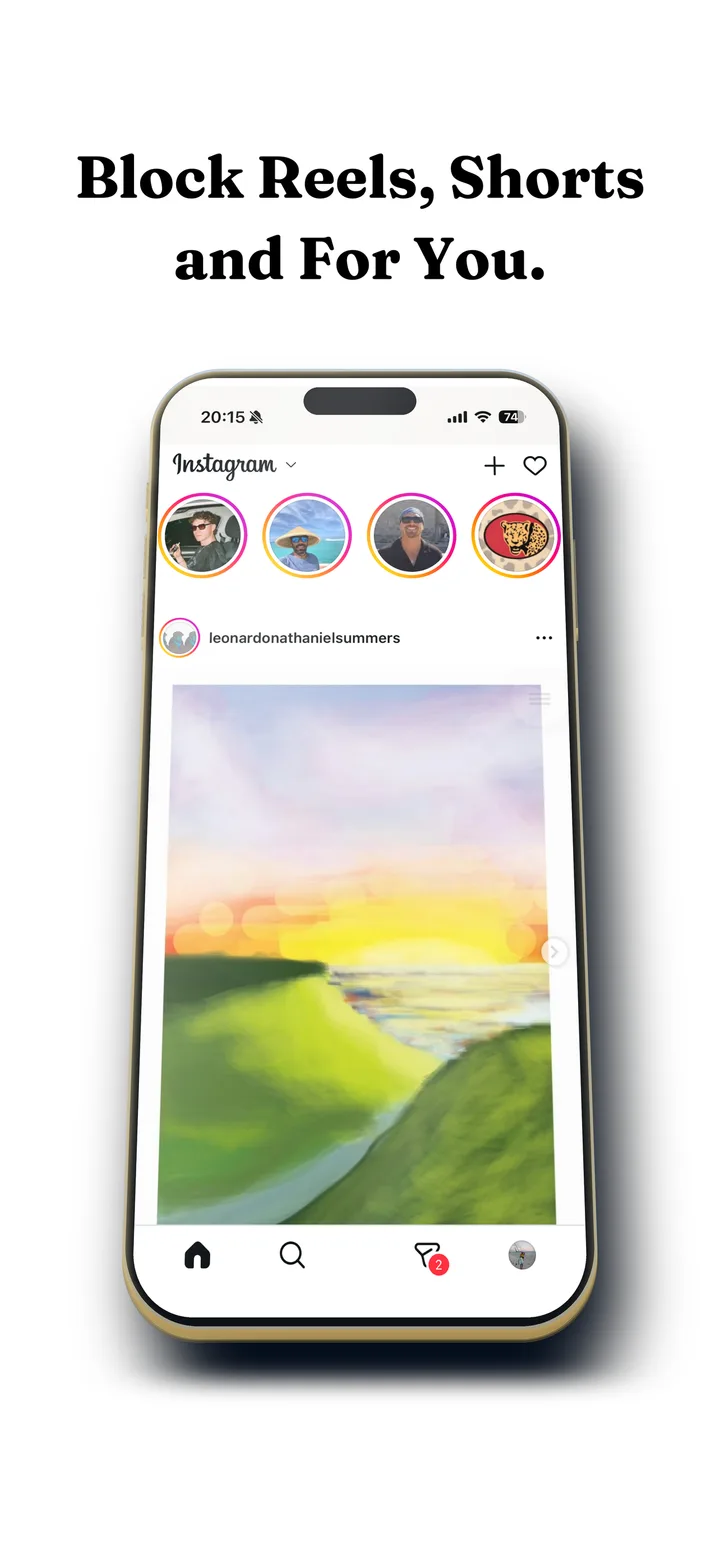
You do not want to leave Instagram. You want the DMs, the group chats, the people you actually follow. What you want gone is the part that eats forty minutes without asking: the Reels tab, the reel that autoplays after a story, the endless vertical feed that starts the moment your thumb slips.
Instagram gives you no switch for that. There is no setting called "turn off Reels", and there has not been one since the tab shipped. So to block Instagram Reels on Android, you change the phone, not the app. It takes a couple of minutes and costs nothing.
What changes once it is set up:
- Stays: DMs and group chats, Stories, posting, your profile, search, and the feed of people you follow.
- Goes: the Reels tab and the endless vertical feed behind it, the part that keeps playing the next reel before you decide to watch it.
- Optional: friction on every swipe, so reels inside your home feed stop being free to scroll as well.
Block Instagram Reels on Android in four steps
Android's accessibility service lets an app see the structure of what is on screen, which is how a blocker can tell that you opened Reels rather than your inbox. Here is the whole setup in Fluid Friction.
Install Fluid Friction
Get Fluid Friction from Google Play. It is free, there is no account to create, and the core works offline.
Grant the accessibility permission
Android shows a warning screen, because accessibility is a powerful permission. It is the only way any app can tell Reels apart from your DMs. Fluid Friction reads UI structure only, never message contents.
Switch on Instagram Reels in Feature Blocking
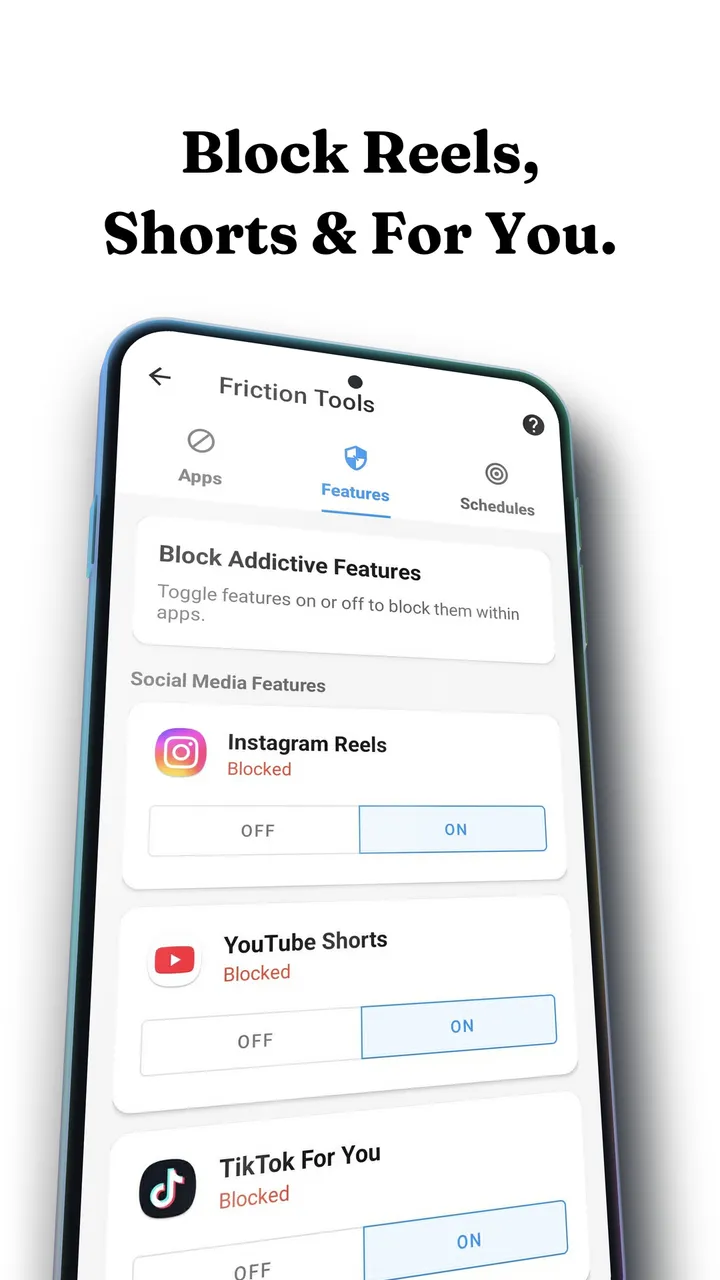
Open Tools, then Feature Blocking. Reels, Shorts and For You are separate switches, so turn on Instagram Reels and leave everything else alone.
Decide: block Reels, or slow it down
With the switch on, Fluid Friction sends you straight back out of Reels the moment it opens. If you would rather keep Reels but make it hard to scroll, leave the switch off and turn on scroll friction for Instagram instead.
Not sure which to pick in step four? If you have uninstalled blockers before, start with friction: a hard block works on a good day and gets switched off on a bad one, while friction leaves nothing to resent, so it tends to stay on. If you need Instagram for work, blocking Reels plus friction on the home feed covers both. And if Reels only gets you late at night, use a schedule that stays gentle through the day and turns intense after 10pm.
See it on a real phone
Reading about it only goes so far. This 15 second reel shows the app doing its job on an actual feed.
Why a block alone usually fails, and what friction adds
A hard block is a wall. Walls work until the evening you decide you want the wall gone, and then they are one toggle away from being gone permanently. This is the single most common way blockers fail, and we wrote about why app blockers stop working separately.
Friction is the other option. Instead of refusing to open Reels, the app puts resistance into the swipe itself. Each scroll becomes a drag through on screen fluid. Past a threshold you set, a bubble forms under your thumb and has to rise off the screen before the feed moves at all. A fast flick just bursts the bubble, and a burst does not count as a scroll.
Autopilot stops working, while scrolling on purpose still does. Reels only function because the swipe is free; charge something for it and the loop breaks on its own. Friction also reaches the reels inside your home feed, which no tab blocker touches. The mechanics are in how scroll friction works.
Reels blockers on Android, compared on price
- Fluid FrictionThis guideFreeEvery blocking tool included. Optional subscription is cosmetic only.Keeps the rest of the appFriction on every swipe
- ScreenZenFreePaid extras $4.99 to $19.99Keeps the rest of the appPause before opening
- one secFree for one appPro $3.99 to $99.99Keeps the rest of the appBreath before opening
- OpalCore needs a plan$2.99 to $79.99, account requiredWhole app onlyBounces you out to Opal
- AppBlockFree for 3 appsPremium $0.99 to $119.99Keeps the rest of the appBlocks feeds on a schedule
- BrickAbout $59For the NFC device the app needsWhole app onlyTap a device to unlock
ScreenZen, one sec and AppBlock can also block Reels on their own, and all three are good. They pause you before Instagram opens or block the feed on a schedule; Fluid Friction also works on the swipe itself, and every blocking tool in it is free with no account. Opal and Brick block Instagram as a whole, so your DMs go with it. If you are weighing those, see our Opal alternative for Android and the roundup of free app blockers on Android.
Common questions
Can I turn the blocker off if I need Reels?
Yes. Anything built on Android's accessibility service can be switched off in Android settings, and no app can or should override that. Friction is also never a wall: you can always push through it, it just stops being automatic.
Does this work on iPhone?
Yes, with a different method, because iOS forbids one app from changing another. On iPhone, Fluid Friction hides Reels inside its own browser for Instagram. See how to block Instagram Reels on iPhone.
Can you disable Reels on Instagram permanently?
Not from inside Instagram. There is no official setting that removes the Reels tab. Marking reels "Not interested" or muting accounts only tunes recommendations, and the daily limit reminder is a dismissable notification. A permanent change needs a third party app on Android.
Is there a free app to block Instagram Reels on Android?
Yes. Fluid Friction is free on Google Play and needs no account. Feature Blocking for Reels, scroll friction and scheduling are all part of the free app. The optional Fluid Pro subscription only adds cosmetic extras such as the full theme catalogue and dark mode.
Can I use Instagram without Reels in a browser?
Yes. instagram.com in a mobile browser has no Reels tab, so you keep DMs, feed, Stories and search. The trade offs are weaker notifications, clumsier uploads, and reels still appearing inside the main feed.
Will I still get my Instagram messages?
Yes. Feature Blocking switches off Reels as one surface, so DMs, group chats, Stories, posting and your profile keep working exactly as before. That is the main reason to block the feature instead of the whole app.
Does blocking Reels stop reels in my main feed?
Feature Blocking targets the Reels tab as a surface. Reels inside your home feed are part of the feed itself, so those are better handled with scroll friction, which slows every swipe rather than one screen.
Is an accessibility based Reels blocker safe?
The accessibility service can read screen structure, so it is worth checking what an app does with that. Fluid Friction reads UI structure only, never message contents, and its core features run on device and work offline with no account.
Can I block Reels only at night?
Yes. Fluid Friction ships time based presets, including one that stays gentle through the day and turns intense after 10pm, when late night scrolling tends to start. More in why you scroll at night.